
Power BI vs AI-Native Analytics: An Honest Comparison for Non-Technical Teams
Power BI is powerful — if you have analysts to run it. Here's an honest breakdown of where it shines, where teams get stuck, and when an AI-native tool like Datalytics is the better fit.
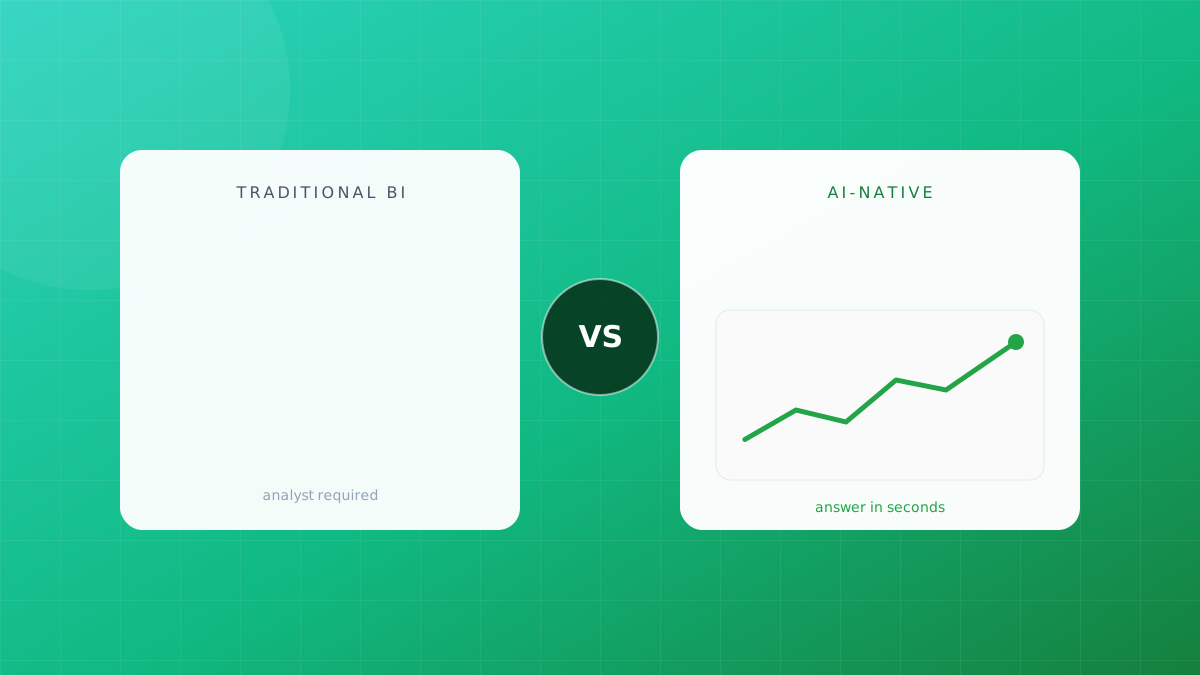
Power BI is the most widely deployed BI tool on the planet, and it earned that position. It is deeply integrated with Microsoft 365, inexpensive per seat, and nearly unlimited in what a skilled analyst can build with it.
But “what a skilled analyst can build” is exactly the catch. Most teams evaluating BI tools don’t have a skilled analyst — they have a founder, an ops lead, or a finance manager with twelve browser tabs of CSV exports. This comparison is for them.
TL;DR
| Power BI | Datalytics | |
|---|---|---|
| Best for | Companies with dedicated BI/data staff | Teams without analysts |
| Query method | DAX, Power Query, drag-and-drop | Plain English questions |
| Time to first insight | Days to weeks (model first) | Minutes (connect and ask) |
| Learning curve | Steep — DAX is a real language | None for end users |
| Data modeling | Manual, required upfront | Automatic |
| Pricing model | Per user/month + capacity tiers | Free plan, flat team pricing |
| Microsoft ecosystem | Unmatched | Standard connectors |
Where Power BI genuinely wins
No honest comparison skips this part.
Deep Microsoft integration. If your company runs on Excel, Teams, SharePoint, and Azure, Power BI slots in natively. Embedding a report in Teams takes two clicks.
Analyst ceiling. A strong analyst can build almost anything in Power BI: complex DAX measures, row-level security, paginated reports, custom visuals. The ceiling is extremely high.
Enterprise governance. Workspaces, deployment pipelines, certified datasets — large IT organizations get the controls they need.
If you have a BI team and Microsoft-heavy infrastructure, Power BI is a rational default. Stop reading and go negotiate your E5 licenses.
Where teams without analysts get stuck
Here’s the pattern we hear from teams who tried Power BI for six months and left:
1. The data model is homework that never ends
Before you build a single chart, Power BI expects you to import tables, define relationships, and shape data in Power Query. Get a relationship direction wrong and your numbers are silently wrong — the dashboard still renders, it just lies to you.
2. DAX is a programming language wearing a formula costume
CALCULATE(SUM(Sales[Amount]), FILTER(ALL(Dates), Dates[Year] = MAX(Dates[Year]) - 1)) — that’s “revenue last year.” Non-technical users hit this wall within the first week. The result: every new question goes back into the analyst queue, and the queue is exactly the problem you bought a BI tool to solve.
3. Dashboards answer last quarter’s questions
A dashboard is a snapshot of what someone thought was important when they built it. The moment your question changes — “wait, is that drop coming from one region or all of them?” — you’re filing a ticket and waiting.
Ask that follow-up question in plain English and get the answer in seconds.
How AI-native analytics changes the workflow
Datalytics inverts the model. Instead of build dashboard → consume dashboard → request changes, the loop is connect data → ask question → get answer → ask the next question.
Plain-English queries. “What was MRR growth by month this year, split by plan?” returns a chart, the underlying data, and the generated query for verification. No DAX, no SQL.
Automatic modeling. Connect Postgres, Stripe, and HubSpot; relationships are inferred. You can correct them, but you don’t start from a blank canvas.
Dashboards as a byproduct. Any answer pins to a dashboard. Dashboards emerge from real questions instead of upfront guesswork.
Alerts in English too. “Tell me if weekly signups drop 20% below the 4-week average” — that sentence is the configuration.
Honest limitations of the AI-native approach
Symmetry demands this section too.
- Extreme custom visuals: if you need a bespoke Sankey with custom interactions, a Power BI specialist still wins.
- Heavy Microsoft shops: if every stakeholder lives in Teams, Power BI’s embedding is hard to beat.
- Trust calibration: AI-generated queries must be verifiable. (This is why Datalytics always shows the generated query and source rows — treat any AI analytics tool that hides them as a red flag.)
The decision in one question
Do you have someone whose job is to maintain your BI stack?
Yes → Power BI is a strong, economical choice. No → a tool that requires that person will quietly become shelfware, whatever it costs per seat. Pick the tool your team will actually use on a random Tuesday.
Try the difference on your own data
The fastest way to evaluate this is not a feature matrix — it’s connecting a real data source and asking the three questions your team argued about last week. Start free or book a 20-minute demo and bring your messiest spreadsheet.
We build Datalytics — the AI analytics platform that lets anyone ask their data questions in plain English. See it live →
Stop reading about analytics. Try it.
Connect a data source and ask your first question in plain English — free, no credit card.
Start free