
Getting Started with Datalytics
Learn how to connect your first data source and build your first dashboard in under 10 minutes.
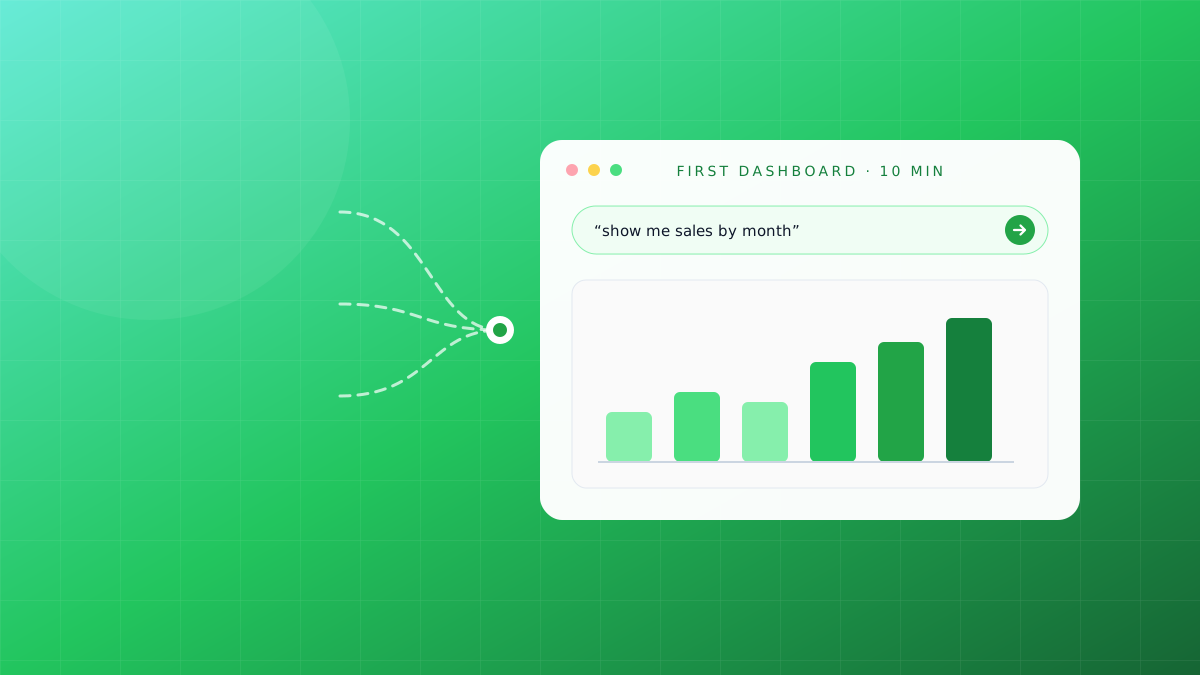
Welcome to Datalytics! This guide walks you through connecting your first data source and creating your first dashboard in under 10 minutes.
Step 1: Sign Up
Head to getdatalytics.com/app/signup and create your free account. The Professional plan is free forever with 10 reports, 1 dashboard, 1 user, and 100,000 rows.
Step 2: Connect a Data Source
Once logged in, navigate to Data Sources and click Add Source. Datalytics supports 20+ connectors including:
- MySQL / PostgreSQL / MariaDB
- REST APIs
- CSV and Excel uploads
- Google Sheets
Enter your connection credentials, click Test Connection, and you’re ready to go.
Step 3: Build Your First Dashboard
Navigate to Dashboards → New Dashboard. Drag chart widgets onto the canvas — bar charts, pie charts, KPI cards, and more. Each widget is connected to a query against your data source.
Step 4: Share & Schedule
Once your dashboard looks the way you want, use Share to invite teammates or Schedule to send an automated email report on your chosen cadence.
That’s it — your data is now working for you.
We build Datalytics — the AI analytics platform that lets anyone ask their data questions in plain English. See it live →
Stop reading about analytics. Try it.
Connect a data source and ask your first question in plain English — free, no credit card.
Start free