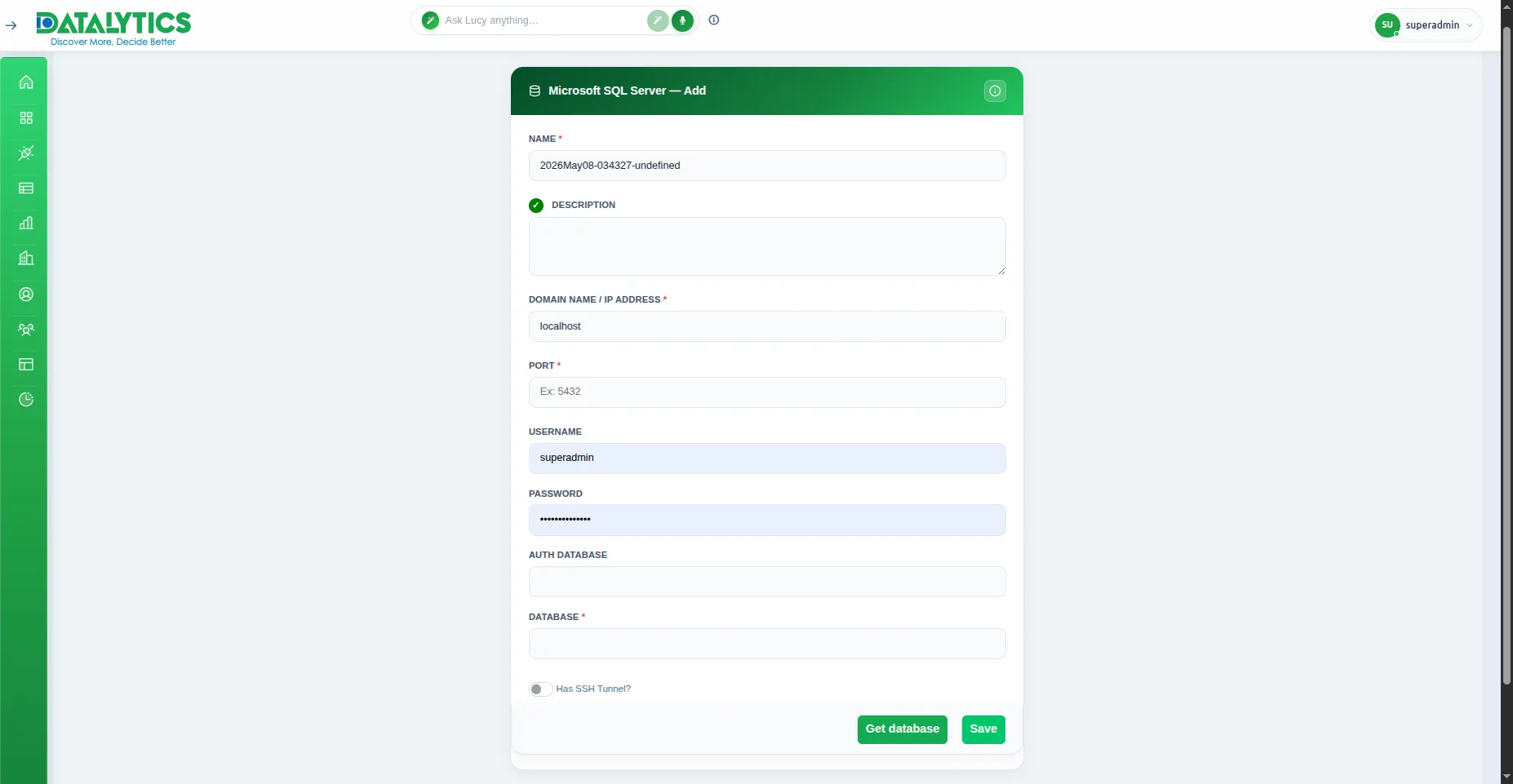
Microsoft SQL Server
Microsoft SQL Server
- Purpose: Connect to MS SQL Server relational databases.
- When to use it: Common in enterprise environments for financial, HR, and operational data.
- How to create it:
- Select Microsoft SQL Server from the list.
- Host: Enter the server address.
- Port: Default is
1433. - Database Name: The target database.
- Username / Password: Credentials with read access.
- Encrypt: Check if your server requires encrypted connections (SSL).
- Test and Save.