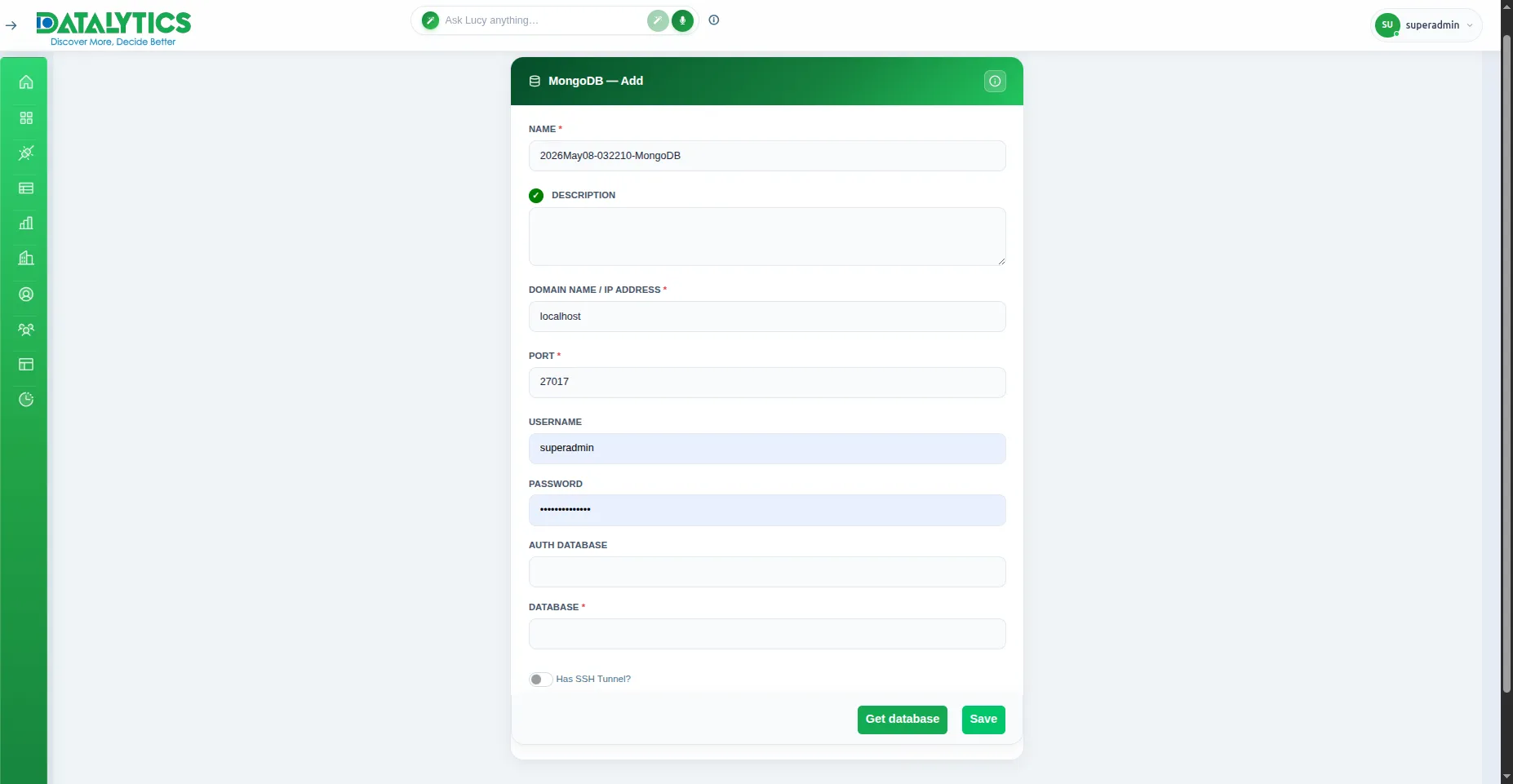
Purpose: Connect to MongoDB NoSQL document databases.
When to use it: Ideal for analyzing flexible, unstructured, or semi-structured data often used in modern web applications (e.g., user logs, product catalogs).
How to create it:
Go to Data Sources and click Add.
Select MongoDB.
Name: Enter a unique name for this connection.
Host: Enter the server IP or hostname (e.g., 127.0.0.1 or cluster0.mongodb.net).
Port: Default is 27017.
Database Name: The specific database you want to query.