GitLab
GitLab
- Purpose: Connect to GitLab databases for deep repository and project analytics.
- When to use it: To analyze large-scale project data, commit trends, and metadata directly from the source database.
- How to create it:
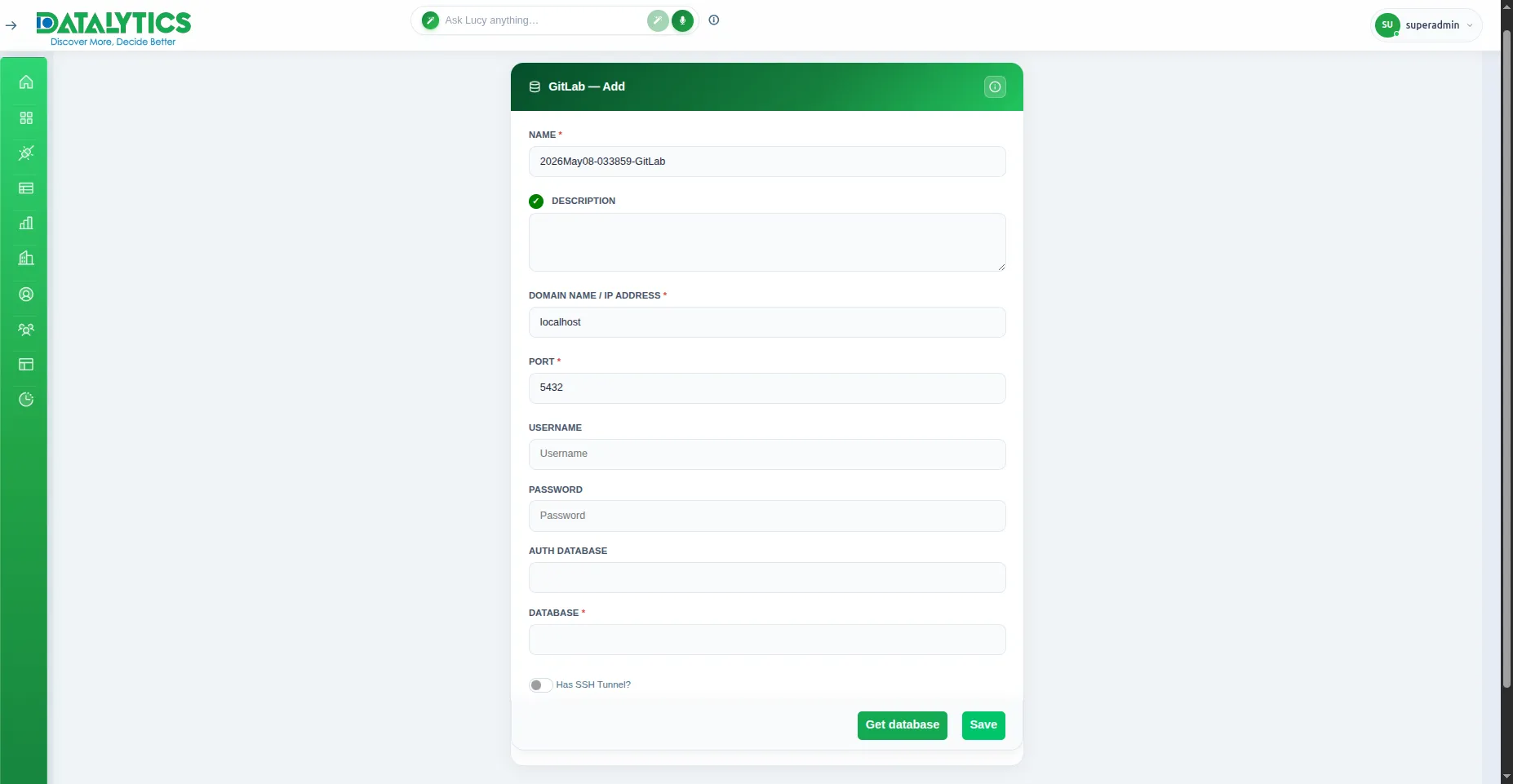
- Select GitLab from the data source list.
- Name: Enter a unique name for this connection.
- Description: (Optional) Add a brief summary of the purpose of this connection.
- Domain Name / IP Address: Enter the address of your GitLab database server.
- Port: The database port (default is
5432).
- Username / Password: Credentials with read-access to the database.
- Database: Specify the exact database name you wish to connect to.
- Has SSH Tunnel?: Toggle this ON if your database requires a secure tunnel connection.
- Click Get database to load available schemas, then click Save.
![]()