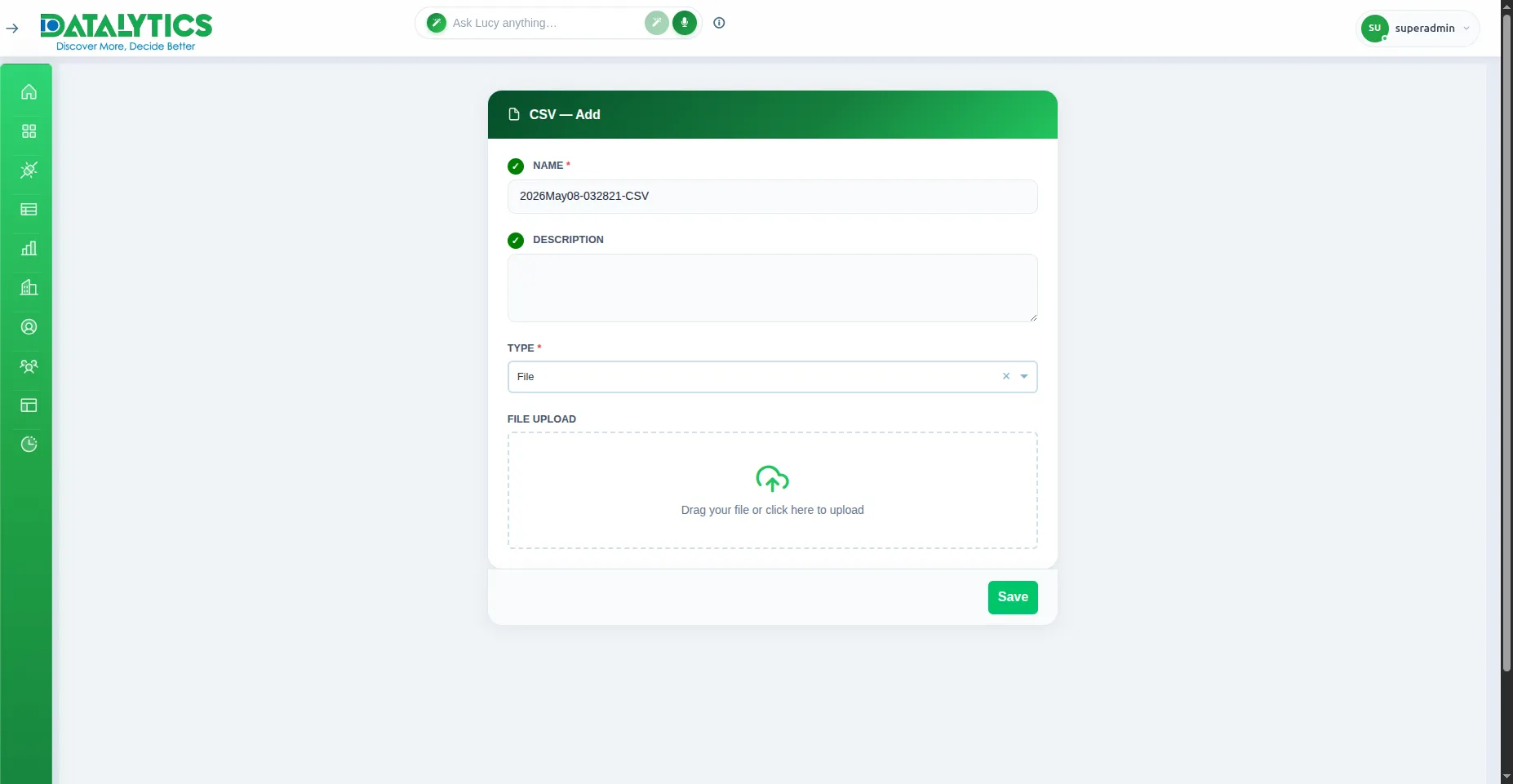
File Uploads
File Uploads (CSV, Excel, JSON, XML)
- Purpose: Upload static files directly.
- When to use it: For ad-hoc analysis, offline data, or when you don’t have database access.
- CSV: Simple spreadsheets.
- Excel: Formatted workbooks (.xlsx).
- JSON: Nested/structured data.
- XML: Hierarchical data.
- How to create it:
- Select File (or the specific format icon).
- Upload: Click to browse or drag-and-drop your file.
- Preview: Datalytics will show the first few rows.
- Confirm: Check column types and Save.
- Note: Max 2,000 rows per file recommended for performance.